
Download Phosphor – Free Browser‑Based First‑Person Shooter, Fast‑Paced FPS, No Registration
Overview
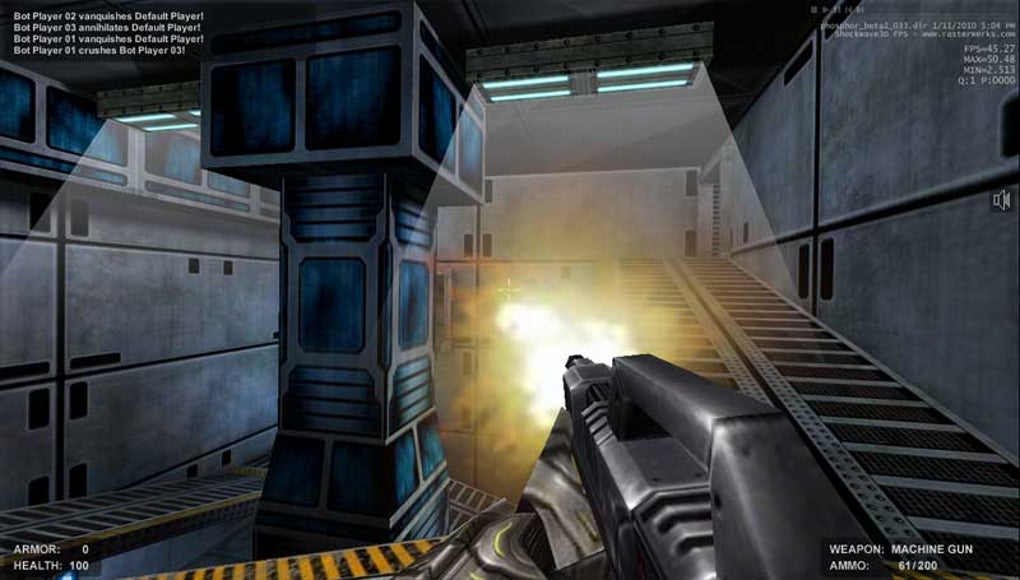
Phosphor is a high‑octane, browser‑first first‑person shooter that delivers the raw, adrenaline‑pumping experience of classic titles like Quake and Counter‑Strike without the need for a bulky client or a lengthy registration process. Designed for players who crave instant action, Phosphor launches directly from any modern web browser, turning a simple tab into a battlefield where speed, aim, and reflexes determine who survives. The game’s free‑to‑play model means there’s no hidden cost, and the graphics, while rendered in WebGL, are surprisingly detailed for an online title that runs entirely in‑browser.
Players navigate a series of arenas, collecting health packs, weapon upgrades, and strategic power‑ups while hunting down opponents. The core loop is simple: spot an enemy, line up your shot, and fire—yet the depth lies in the extensive configuration options, which let you fine‑tune mouse sensitivity, field of view, key bindings, and visual effects to match your preferred play style. Although Phosphor demands a relatively powerful PC and an uncluttered browser tab to achieve smooth frame rates, its performance is impressive for a free web game.
Whether you’re a seasoned FPS veteran looking for a quick match during a break, or a newcomer curious about browser‑based shooters, Phosphor offers a polished, competitive experience that feels right at home alongside traditional desktop titles.
Key Features
- Instant browser launch – no download, no install, no registration.
- High‑performance WebGL graphics that rival native PC shooters.
- Multiple game modes including deathmatch, team deathmatch, and capture‑the‑flag.
- Extensive settings panel: customizable key bindings, mouse sensitivity, graphics quality, and HUD layout.
- Variety of weapons ranging from classic rifles to futuristic plasma guns.
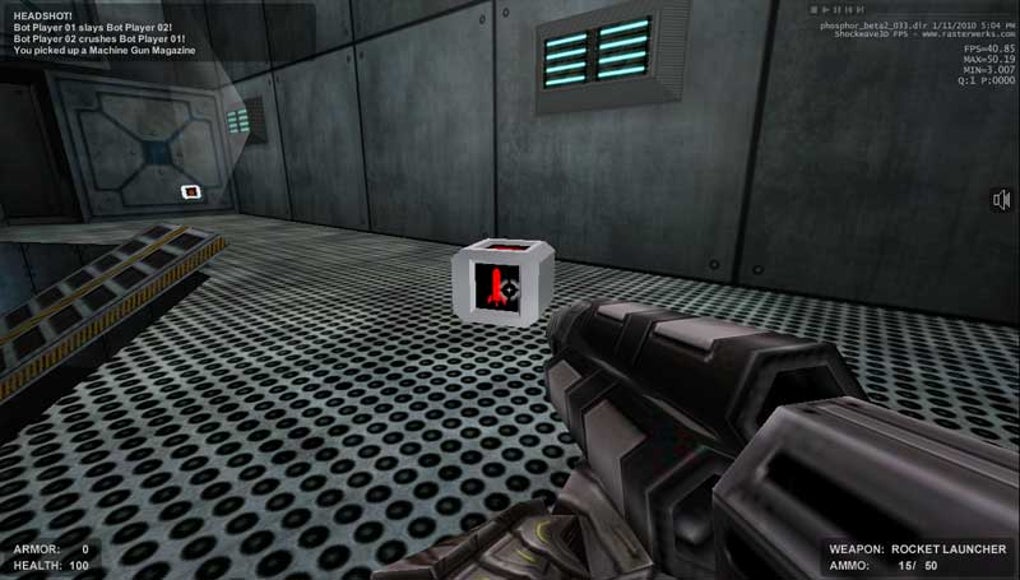
- Dynamic health packs and power‑ups that spawn throughout each map.
- Responsive cross‑platform support for Windows, macOS, Linux, and mobile browsers (limited to desktop‑class hardware).
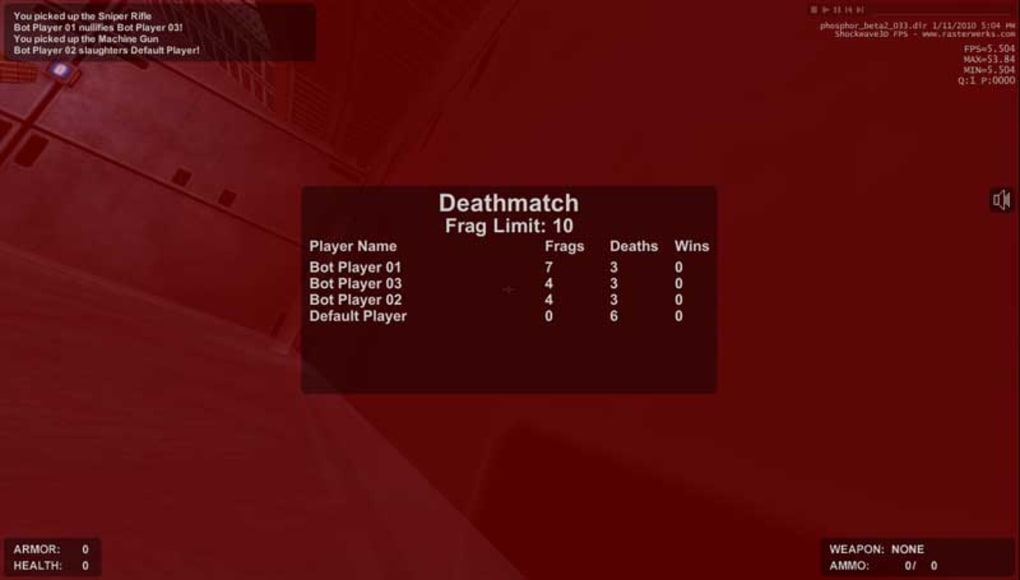
- Leaderboards and in‑game statistics that track kills, accuracy, and win streaks.
- Optimized network code for low latency matchmaking.
- Regular free updates that introduce new maps, weapons, and balance tweaks.
Each of these features has been crafted to keep the gameplay loop fresh and competitive. The lack of a registration wall means you can jump straight into a match within seconds, while the deep configuration options ensure that power users can tailor the experience to their exact preferences. The inclusion of leaderboards encourages repeat play and community rivalry, turning what could be a casual pastime into a serious e‑sport arena for browser gamers.
Installation & Usage Instructions
Getting Started – No Installation Required
Phosphor lives entirely in the cloud, which eliminates the traditional installation steps associated with most FPS titles. To start playing, follow these simple steps:
- Open a modern browser that supports WebGL (Google Chrome, Mozilla Firefox, Microsoft Edge, or Safari). Ensure your browser is up‑to‑date for the best performance.
- Navigate to the official Phosphor URL (e.g., phosphor-game.com).
- Click the “Play Now” button on the homepage. The game will load a lightweight client directly in the tab.
- If prompted, grant the browser permission to use your microphone and speakers for voice chat (optional but recommended for team modes).
- Once the loading screen completes, you’ll be dropped into the lobby where you can select a game mode, customize your settings, and join a match.
Configuring Your Settings for Optimal Performance
While Phosphor works out‑of‑the‑box, tweaking a few settings can dramatically improve frame rates and responsiveness:
- Graphics Quality: Lower the texture resolution and disable post‑processing effects if you experience stutter.
- Field of View (FOV): Set a wider FOV (e.g., 100‑110) for better peripheral awareness, but be mindful of potential performance impact.
- Mouse Sensitivity: Adjust both X and Y sensitivity until you achieve a comfortable aiming speed; many pro players prefer a lower sensitivity for precision.
- Key Bindings: Reassign actions like “Reload” or “Grenade” to keys that feel natural to you, especially if you’re transitioning from another FPS.
After configuring, click “Save” and return to the lobby. You’re now ready to engage in fast‑paced battles. Because Phosphor runs in a browser, you can easily switch between matches, close the tab to pause, or open a new tab to research strategies without leaving the game environment.
Compatibility & System Requirements
Phosphor is built on WebGL and HTML5, making it compatible with any operating system that supports a modern web browser. Below is a breakdown of the recommended specifications for a smooth experience:
Desktop Platforms
- Windows: Windows 10 or later, with a DirectX‑compatible graphics card (Intel HD 5000+, NVIDIA GeForce 600 series+, AMD Radeon HD 6000+).
- macOS: macOS 10.13 High Sierra or later, using Metal‑compatible GPUs (Intel Iris, AMD Radeon Pro).
- Linux: Any recent distribution with a kernel supporting OpenGL 3.2+; recommended drivers: Mesa 19.0 or newer.
Mobile Browsers (Limited Support)
While Phosphor can technically load on mobile browsers, the game is optimized for desktop‑class hardware. Users on Android or iOS may experience reduced graphics fidelity and lower frame rates. For the best experience, we recommend playing on a laptop or desktop with a dedicated GPU.
Hardware Recommendations
- CPU: Quad‑core processor (Intel i5‑6600 / AMD Ryzen 5 1600 or better).
- RAM: Minimum 8 GB, 16 GB recommended for multitasking while the game runs.
- GPU: Dedicated graphics card with at least 2 GB VRAM; integrated graphics may work at lower settings.
- Internet: Stable broadband connection (≥5 Mbps download) to maintain low latency matchmaking.
Meeting these requirements ensures that Phosphor runs at 60 fps or higher, providing the fluid, responsive combat that FPS enthusiasts expect. If your system falls short, you can still play by lowering the graphics settings, but the overall experience may be less immersive.
Pros, Cons, and Frequently Asked Questions
Pros
- Zero‑install, instant‑play model – start shooting within seconds.
- High‑quality WebGL graphics that rival traditional desktop FPS games.
- Deep customization options for controls, graphics, and HUD.
- Free to play with regular updates and new content.
- Cross‑platform browser support, allowing play on Windows, macOS, and Linux.
Cons
- Requires a relatively powerful PC and a clean browser tab for optimal performance.
- Mobile browser support is limited and may suffer from reduced visual fidelity.
- No built‑in voice chat (requires external services or browser permissions).
- Limited matchmaking options compared to larger commercial FPS platforms.
FAQ – Frequently Asked Questions
Do I need to create an account to play Phosphor?
No. Phosphor is completely registration‑free. You can jump straight into a match by visiting the website and clicking “Play Now.”
Can I play Phosphor on a Chromebook?
Chromebooks that support the latest Chrome browser and have sufficient hardware (Intel Core i5 or better) can run Phosphor, but performance may be limited compared to traditional laptops.
Is there a way to earn in‑game currency or skins?
Phosphor currently focuses on pure skill‑based gameplay. There are no microtransactions or loot boxes; all weapons and skins are unlocked through gameplay achievements.
What browsers are officially supported?
Google Chrome, Mozilla Firefox, Microsoft Edge, and Safari (macOS 10.13+). Using the latest version of any of these browsers ensures full WebGL compatibility.
How often is Phosphor updated?
The development team releases major updates roughly every 2–3 months, adding new maps, weapons, and balance changes, while smaller patches are rolled out weekly to fix bugs and improve performance.
Expert Review
Rating: ★★★★☆ (4 out of 5)
Phosphor delivers an impressive FPS experience directly in the browser, eliminating the friction of downloads and installations. The graphics are surprisingly sharp for a WebGL title, and the deep settings menu lets power users fine‑tune every aspect of gameplay. While the lack of a native mobile client and the requirement for a fairly robust PC can be limiting, the free‑to‑play model and regular content updates make it a strong contender in the browser‑gaming space. Overall, Phosphor is a must‑try for any fan of fast‑paced shooters who wants a hassle‑free way to jump into combat.
- Pros: Instant play, high‑quality graphics, extensive customization, free updates.
- Cons: Demands decent hardware, limited mobile support, no built‑in voice chat.
Conclusion & Call to Action
If you’ve been searching for a browser‑based first‑person shooter that packs the intensity of classic PC titles without the overhead of a massive install, Phosphor checks all the right boxes. Its zero‑registration entry, impressive WebGL visuals, and deep configuration options provide a playground where both casual players and hardcore FPS enthusiasts can thrive. While a strong PC and a clean browser tab are essential for peak performance, the game’s free model and frequent updates ensure that you’ll always have fresh content to explore. Ready to dive into the fray? Click here to launch Phosphor now and experience the future of browser gaming today.



.png)



